Video Editing,Reimagined

Upload your footage, show Clypmint a style or tell it what you want, and get back a finished video on a real timeline you can still change.

Start 14 days free
$0 today. Card required. Cancel in 14 days and pay nothing.Starter from $39/mo after trialSources up to 45 minutes on ProCancel anytime
Scroll
Style transfer

Any editor’s style.
Now yours.

Drop in a video you love. Clypmint extracts how it was edited, the cuts, the type, the motion, and applies it to every video you make.

  1. 1Upload a reference
  2. 2We extract the style
  3. 3Reuse it on everything
The referenceUploaded once · 1:14
Your footage, edited by ClypmintSame grammar · 1:27
Choose a plan and start trial

Trial exports carry a Clypmint mark. Style cloning and clean exports unlock when the selected paid plan begins.

The house styles

Twelve looks, extracted from real editors. Pick one; the Director does the rest.

The product

What Clypmint can do

Real editorial tools, not filters. All driven by a single upload and a sentence of direction.

01

Edited in any style you point at

After the first charge, Pro and above can upload a reference video you have the rights to. Clypmint clones it into a Style Capsule: its pacing, captions, color and motion, then edits your footage in that exact style. The trial includes every Clypmint house look instead.

Style CapsulesCaptionsB-rollMotion
THE REFERENCE REEL
Pacing · 1.8s cutsCaption · Inter 700Fill · #F3F2F0Motion · spring rise
READ  ↓  APPLIED
YOUR FOOTAGE
Same pacingSame captionsSame gradeSame motion
02

Direct it in plain language

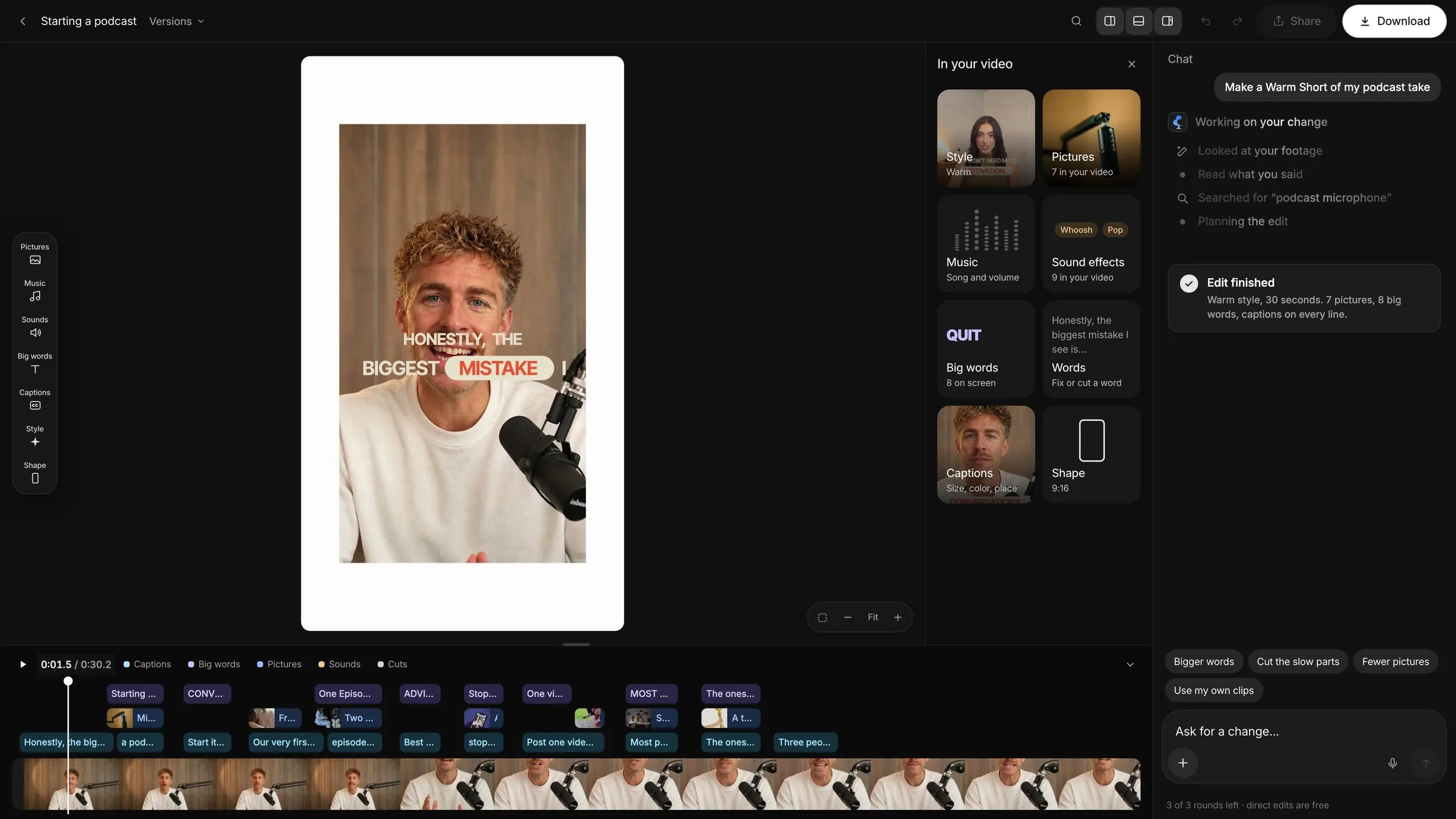
Don’t like a choice it made? Tell Director in chat and it performs the edit, or adjust it yourself on the multi-track timeline. Every accepted change becomes a previewable version before export.

Director chatFull timelineRe-render
Keep the intro long, and make the captions punchier.
Done. Held the open to 0:18 and bumped the caption weight. Re-rendering…
Made with Clypmint

Real footage in.
Real cuts out.

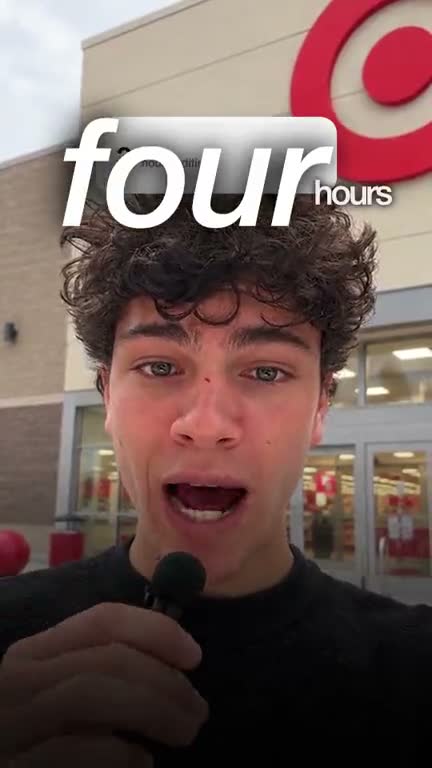
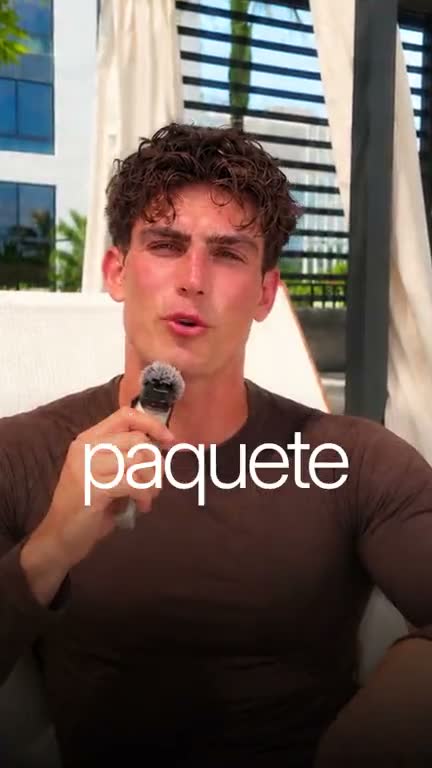
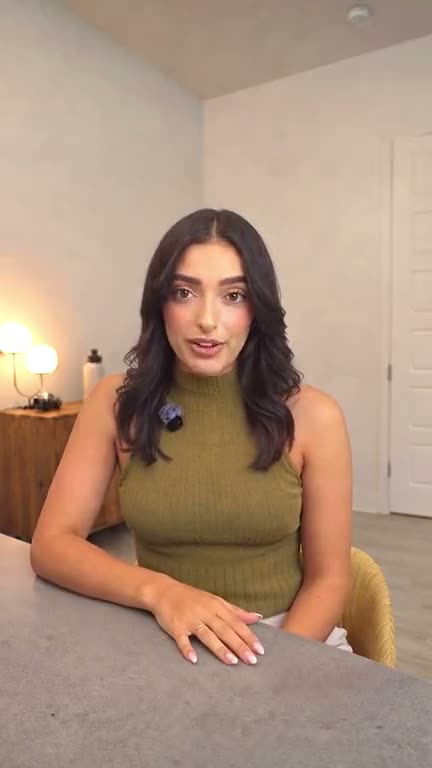
Every cut here was made by Clypmint from a single raw upload. Show it a reference video and your footage comes back in that exact style.

Style clone

Upload a reference video you have the rights to, yours or any example. Drag to see footage come back in that exact style, pacing, captions, grade and all.

Reference reel (Contra Labs)
Clypmint’s launch film · that style
Auto-cut

74 minutes in.
Eight out.

Scroll to watch one real 74-minute take lose its dead air, stutters and retakes, and pack down into a finished cut. No timeline touched by hand. A 74-minute source needs the Pro 2x plan; Pro takes 45 minutes. Compare plans

9.4× shorter10.7% of the take kept2,048 words retained0 manual edits
The flow

How Clypmint works

It understands your footage, takes your direction, and returns a cut that feels like yours. Four steps from upload to post.

1Ingest2Direct3Generate4Deliver
MP416:99:161:1Shorts ×N
Why creators choose it

Less editing.
More posting.

The point isn’t to remove you from the edit. It’s to give you the cut you’d have made, without the night you’d have lost making it.

Cuts time, not quality

The technical grind, watching everything, finding the takes, trimming dead air, is handled. The hours you used to lose to prep go back into making more.

Edits like an editor

Story, pacing, tone. Clypmint reads what makes a sequence work and makes intentional choices, not auto-generated mush. Point it at a style and it commits.

One upload, any format

Hand it footage and get back one editable, finished MP4 in the canvas you chose. Refine it in plain English or directly on the timeline.

Pricing

Timeline control on every plan.
Pick your volume.

Create from a prompt, extract and reuse reference Styles, direct revisions in plain English, or take over in the editable timeline. Every paid plan includes the same Clypmint workflow.

Included with every paid plan

The Clypmint workflow.

Bring footage, a reference video and a prompt. Clypmint can learn the visual language, build the edit, make directed revisions and deliver the finished video without locking you out of the timeline.

  • Prompt-first video creation and editing
  • Instant and Extended AI editing within the listed plan limits
  • Every Clypmint house look; reference Style cloning on Pro tiers
  • AI-directed follow-up edits
  • Editable multi-track timeline, captions and media tools
  • Versioned previews and downloadable 1080p exports
Starter is free for 14 days.$0 today. Card required. You get 3 Instant videos. You also get 1 Director edit on a clip under 60 seconds. You can then ask the Director for 5 more changes. You get 1 reference style. Show it a video you have the rights to and it copies the editing. You also get 1 deep extract. It studies a video you have the rights to and saves the whole look. Downloads carry a small Clypmint mark. Cancel in 14 days and pay nothing. Pro and Pro 2x start today at their listed price.
Starter14 days free
$39$0
for 14 days, then $39/month
Thirty finished videos a month, no mark on any of them.
  • 30 finished videos a month
  • 10 Extended edits with the Director
  • Every Clypmint house look, clean 1080p downloads
  • Save 5 reference styles you can reuse
  • Deep Extract on Pro
  • AutoCut clip scans on Pro
  • Sources up to 15 minutes · 60 footage-minutes a month
  • 10 GB storage + 1 concurrent job
Start free trial. Card required.
ProMost popular
$110
per month
Clone a look you love and keep making more.
  • 100 finished videos a month
  • 35 Extended edits with the Director
  • Every Clypmint house look, clean 1080p downloads
  • Save 5 reference styles you can reuse
  • 2 Deep Extracts a month
  • 15 AutoCut clip scans
  • Sources up to 45 minutes · 240 footage-minutes a month
  • 25 GB storage + 2 concurrent jobs
Get Pro
Pro 2x
$220
per month
Two and a half times the volume, more clones, a second seat.
  • 250 finished videos a month
  • 85 Extended edits with the Director
  • Every Clypmint house look, clean 1080p downloads
  • Save 15 reference styles you can reuse
  • 5 Deep Extracts a month
  • 40 AutoCut clip scans
  • Sources up to 90 minutes · 600 footage-minutes a month
  • 75 GB storage + 3 concurrent jobs
Get Pro 2x

Style cloning means analyzing a reference video you have the rights to into a reusable creative system, not applying a filter. Cloned looks stay in your library and can be reused across projects within your plan's volume.

Team seats (coming soon): Starter 1 · Pro 1 · Pro 2x 2.

Bigger requirements, SSO or a custom SLA? Talk to us about Enterprise

Questions

Quick answers
for creators

Give Clypmint a reference video you have the rights to. It measures the pacing, captions, color, typography and motion, then saves that evidence as a reusable Style you can apply to your own footage. Style cloning unlocks after the first charge on Pro and above; the trial can use any Clypmint house look.

It’s you. Clypmint never generates a face or a voice, it works with the footage you shot: your real take, your real story, shaped, captioned, and styled. Nothing is synthesised.

Tell Director what to change in plain English, or adjust it directly on the timeline. Each accepted change becomes a new version you can preview before exporting.

No. Choose monthly or annual, then start a card-required 14-day free trial. Cancel in 14 days and pay nothing. Annual saves two months after the trial.

During the trial, choose any Clypmint house look. After the first charge, Pro and above can upload a reference video you have the rights to and Clypmint reads its pacing, captions, color, and motion into a reusable style.

The trial includes 10 source-minutes. After it ends, one upload can run to 15 minutes on Starter, 45 minutes on Pro, 90 minutes on Pro 2x; every plan lists its ceiling. AutoCut reads the transcript, drops the filler and the weak takes, and keeps your strongest takes word-aligned.

Completely. You get a finished MP4 to keep, post, and license however you like. Trial downloads carry a small Clypmint mark. Every paid plan has no watermark after the first charge.

One finished MP4 in the project canvas you chose. Export is pinned to the exact edit you approved.

Create the edit
you pointed at.

Upload your footage, pick a look, and get back an editable video. Starter starts with a card-required 14-day free trial.

14-day free trial: 3 Instant videos from 10 minutes of footage, marked downloads. You also get 1 Director edit, 5 more changes, and 1 reference style. See plans